Email signatures
you can prove.
One managed signature on every email your organisation sends, from every Outlook client, with a tamper-evident record of each one. As a service, or entirely inside your walls.
- Microsoft 365 and Exchange
- Cloud, Outlook or Hybrid
- Per-tenant encryption
- No email content stored
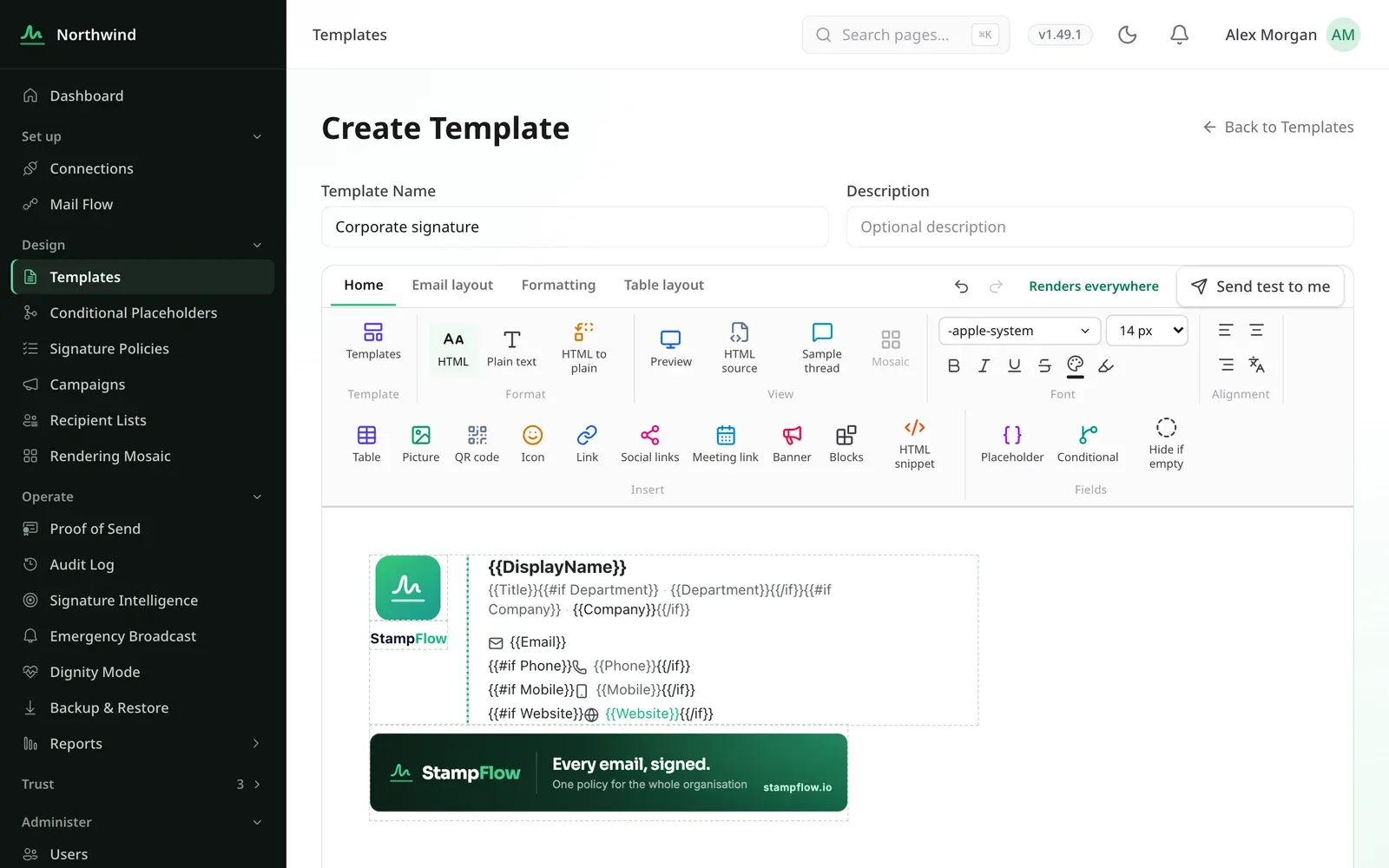
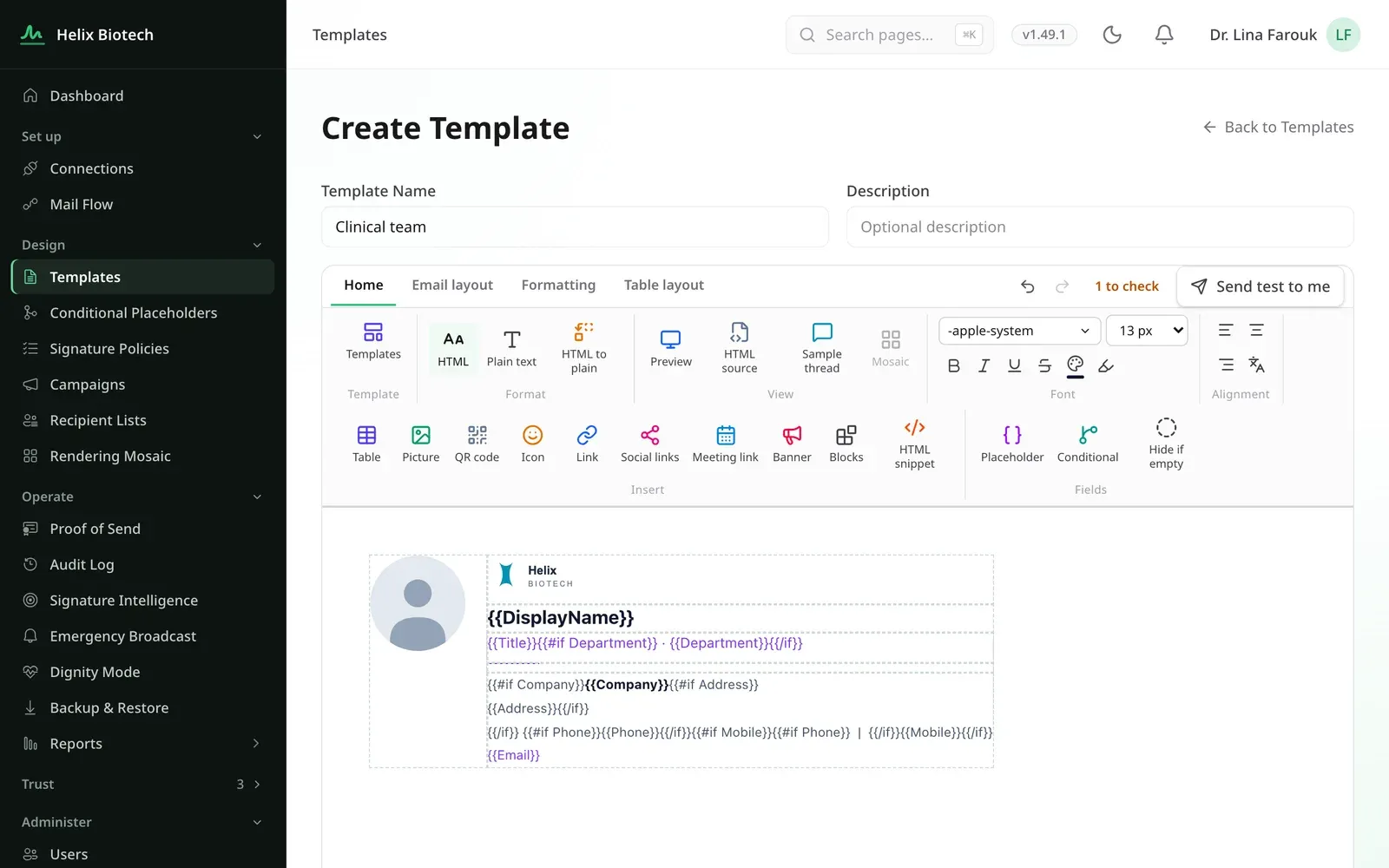
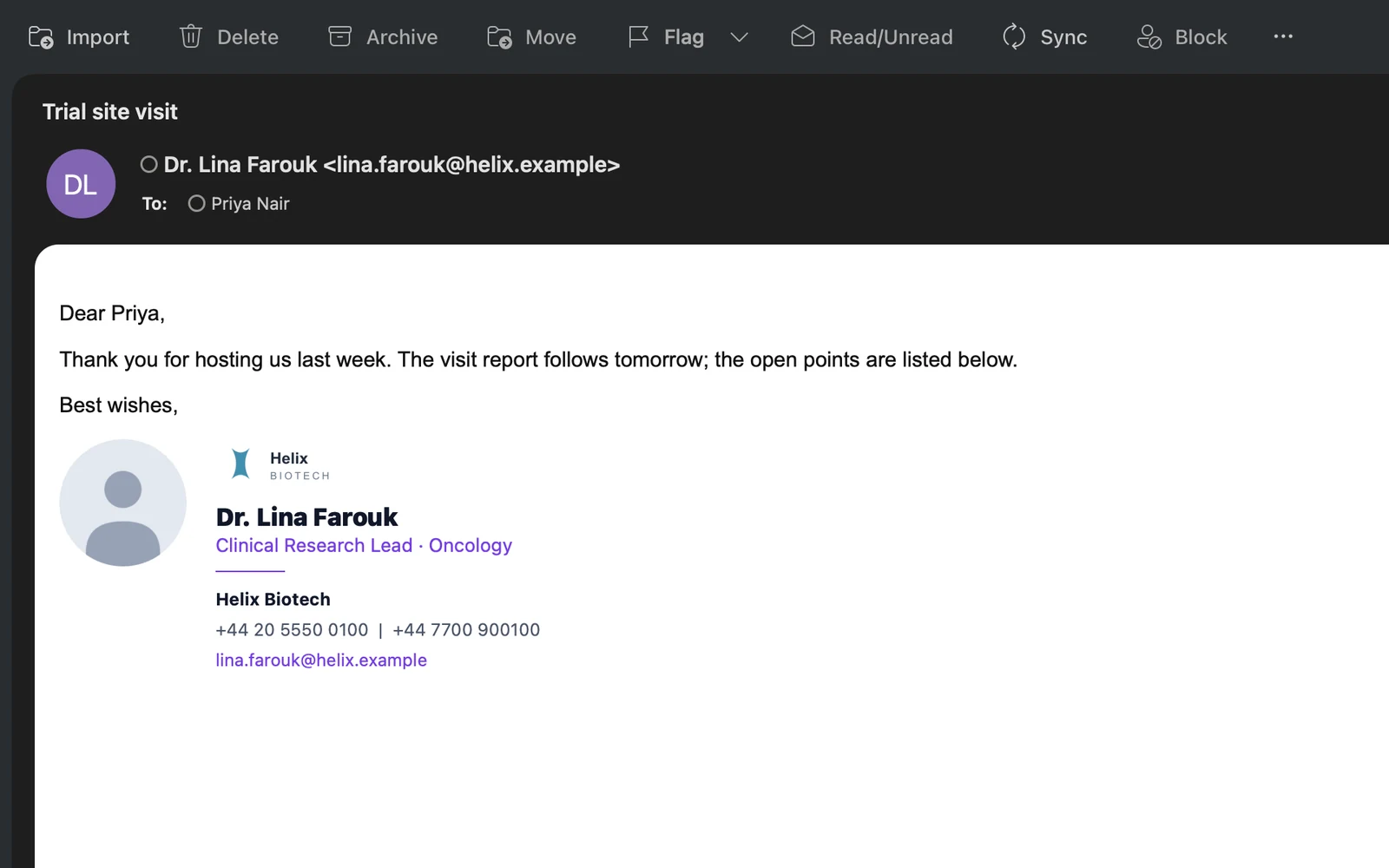
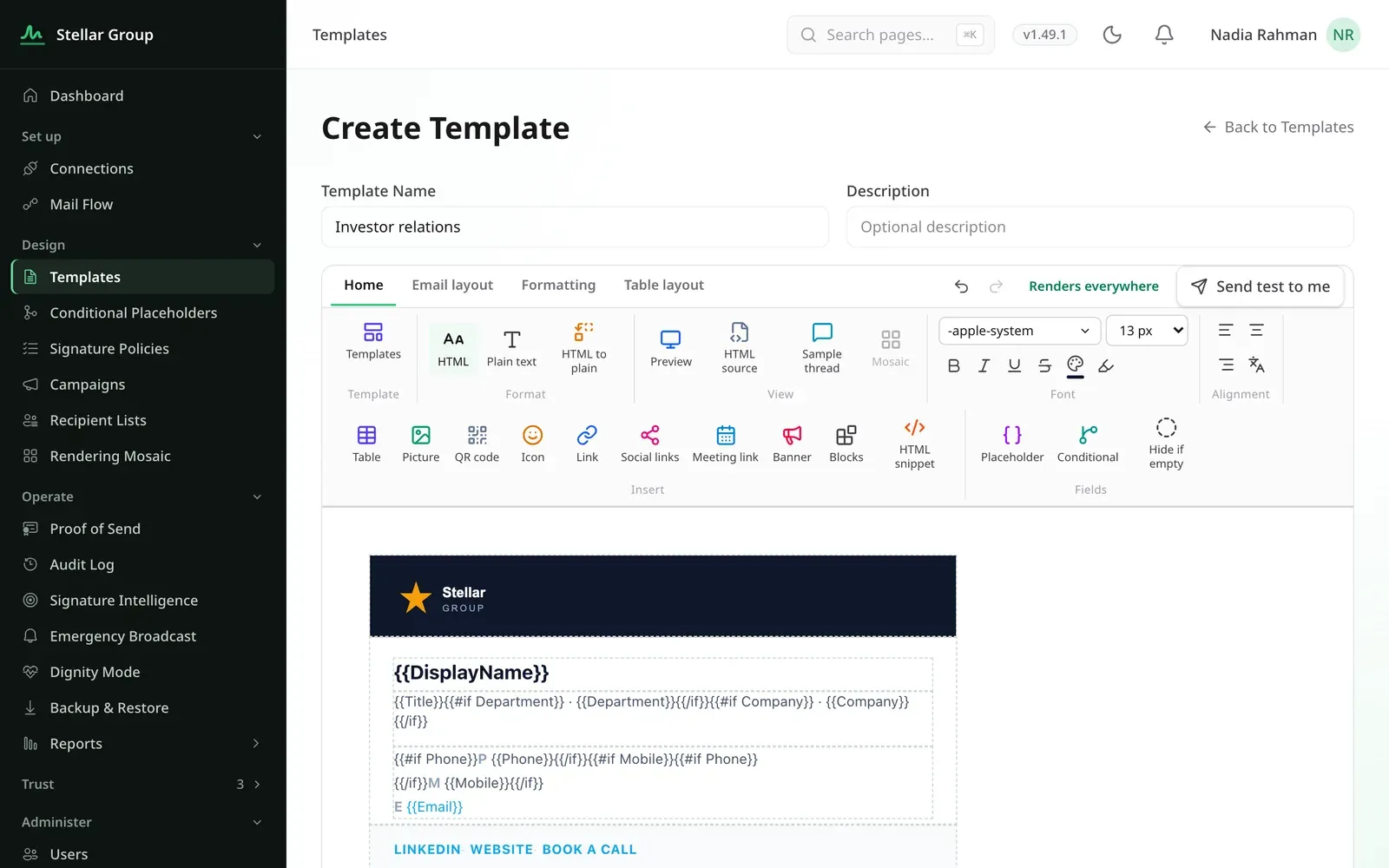
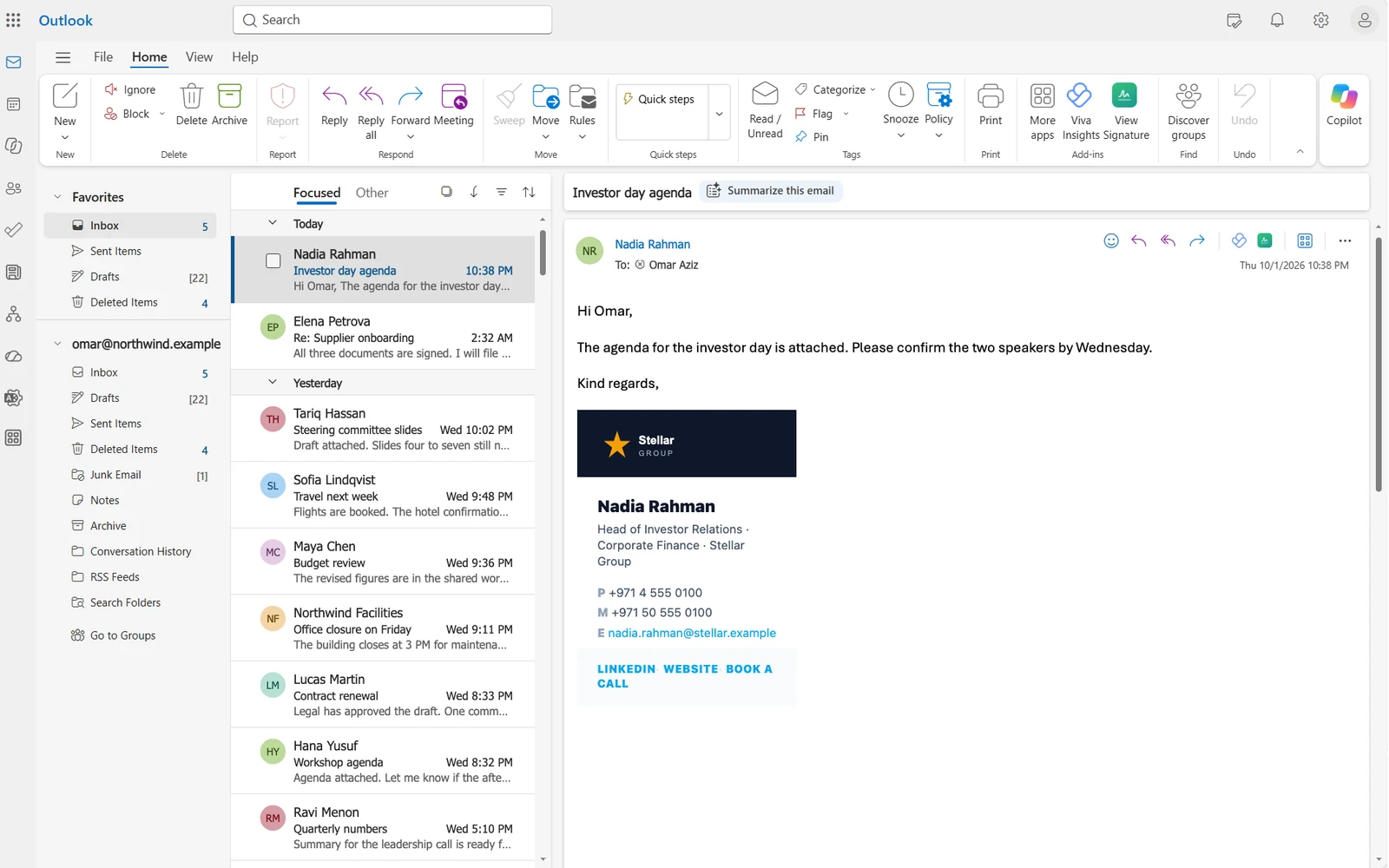
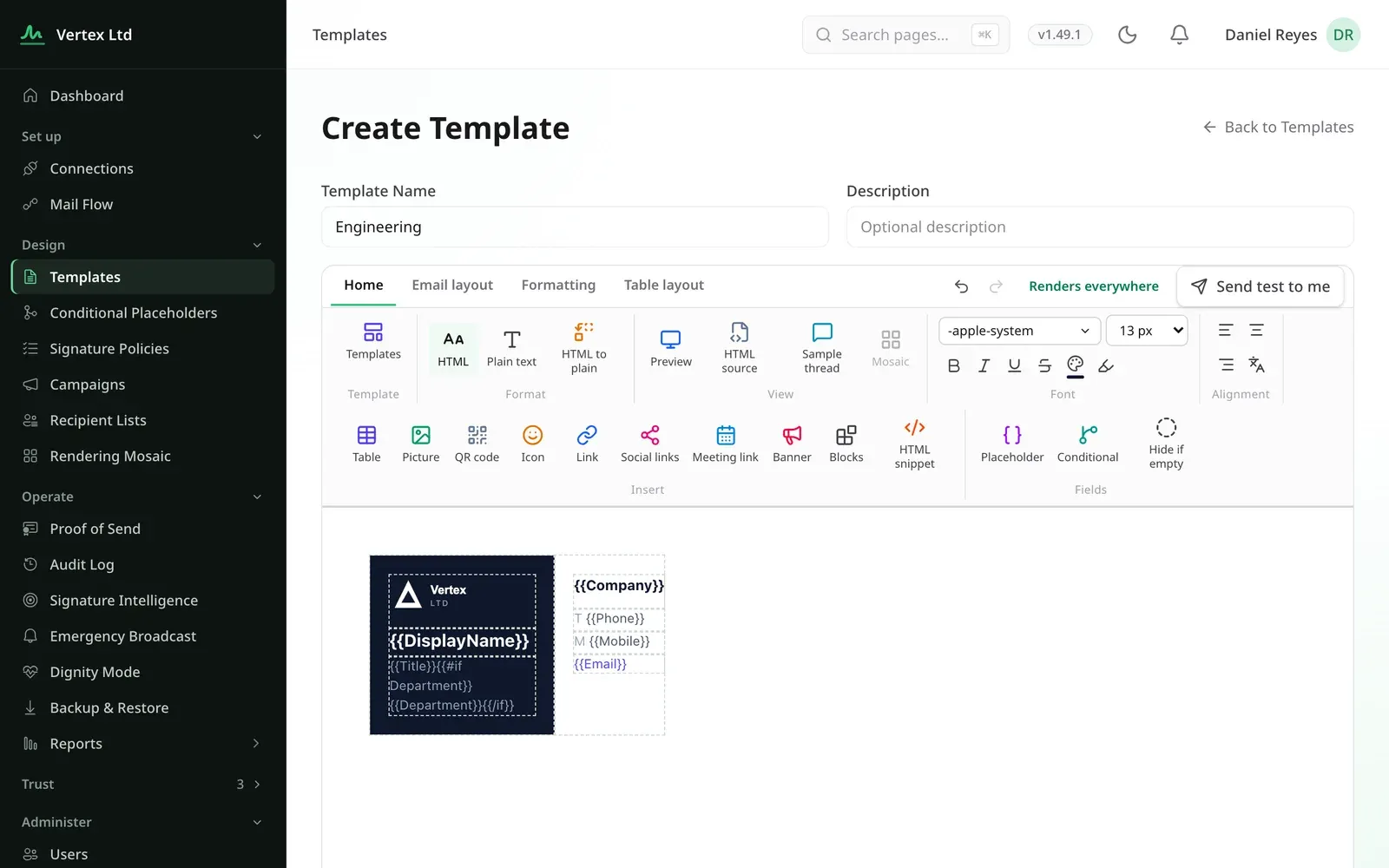
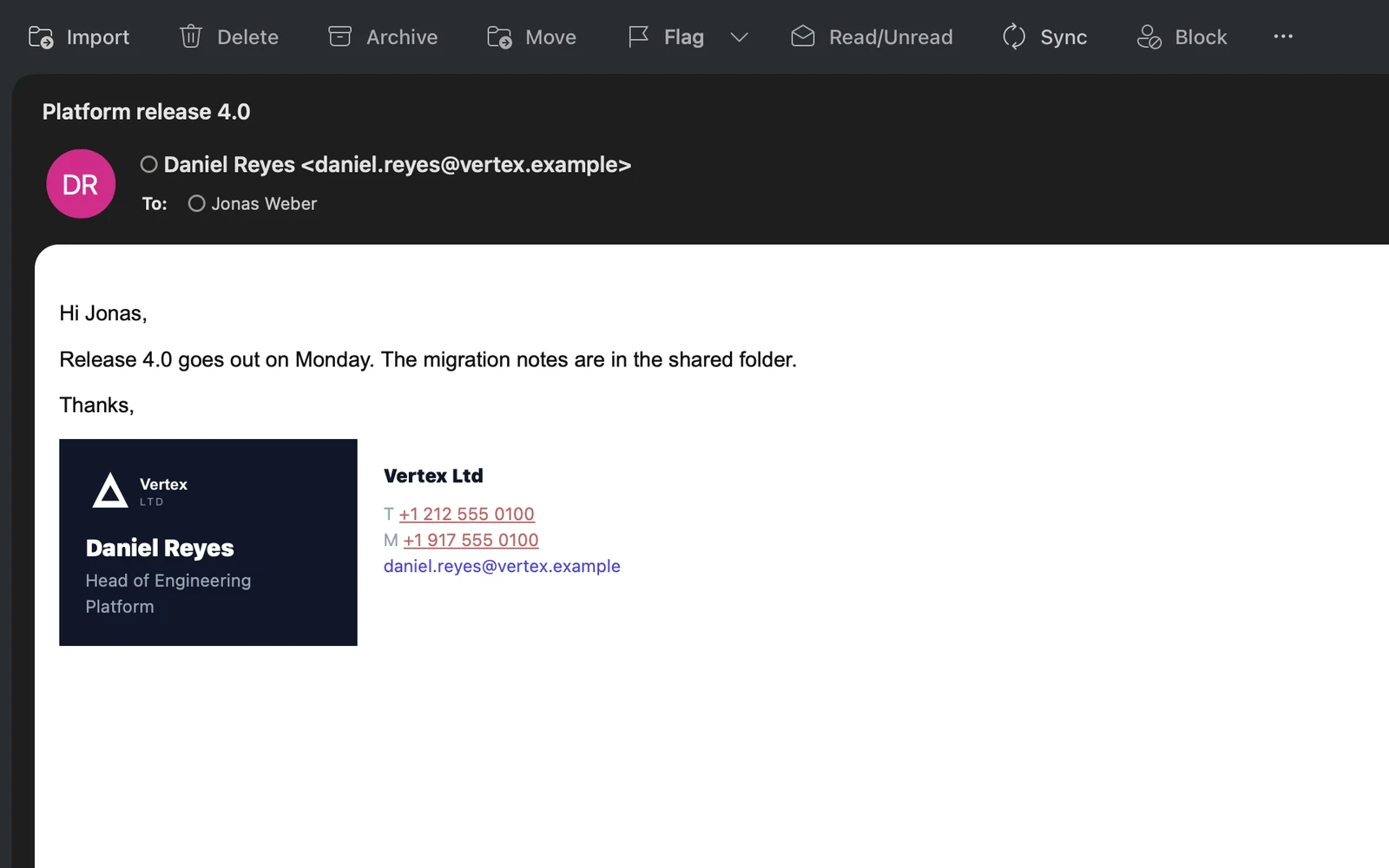

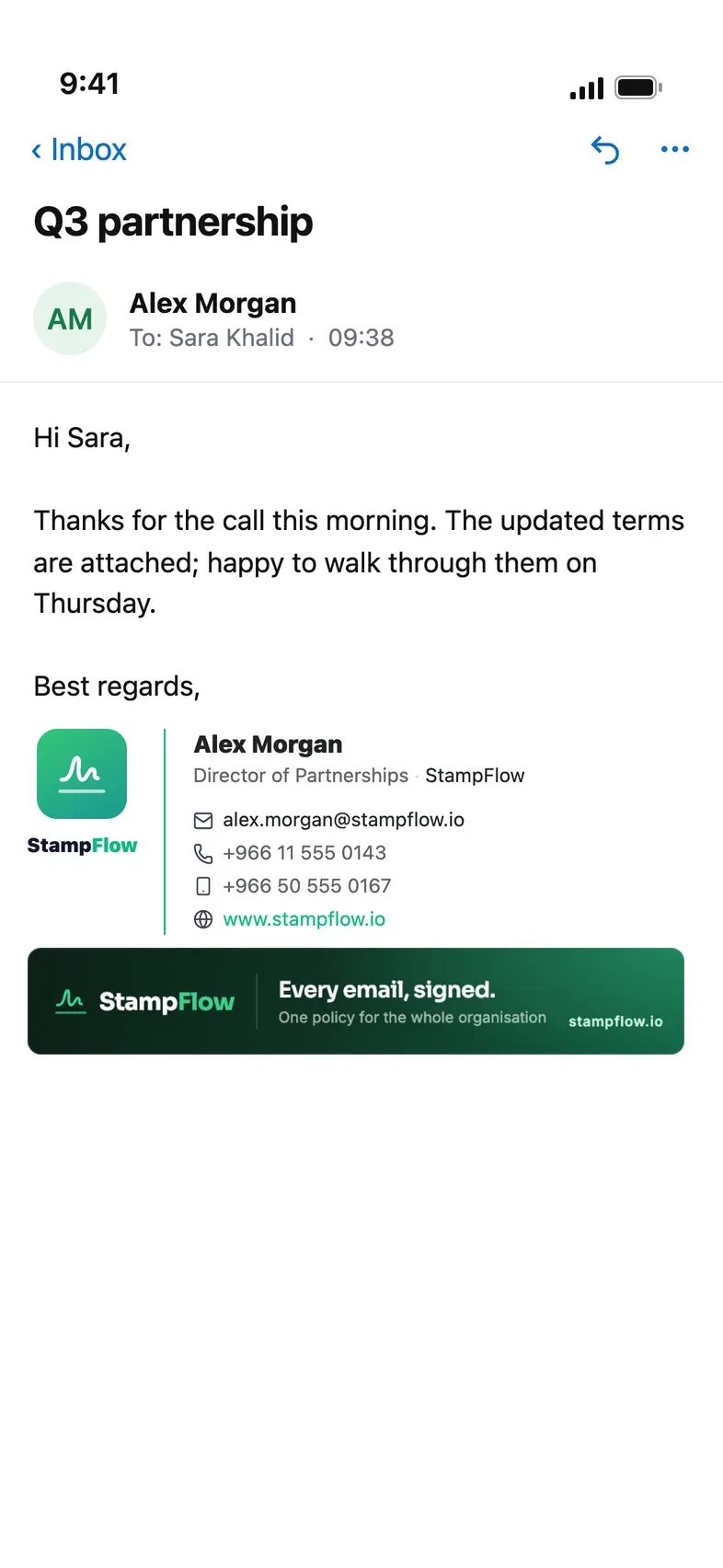
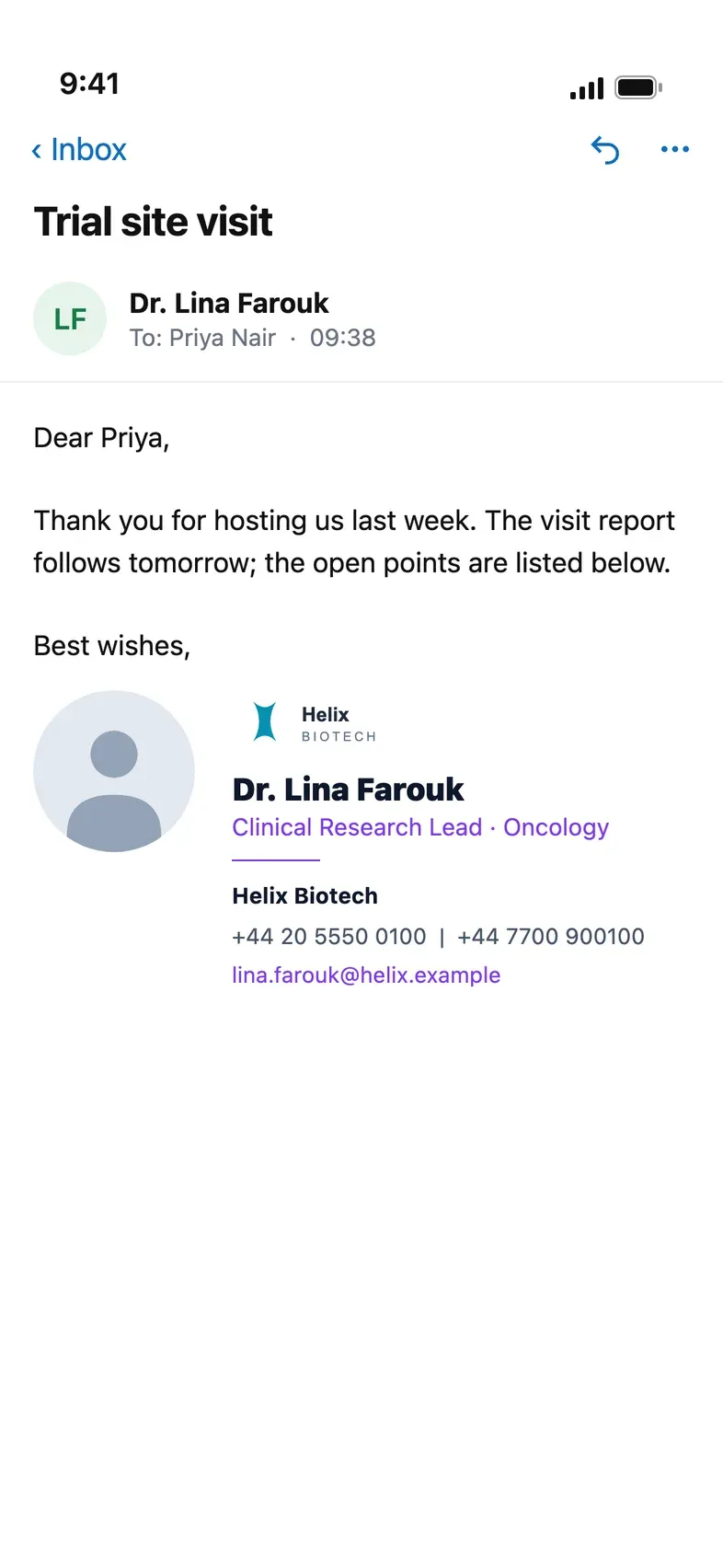

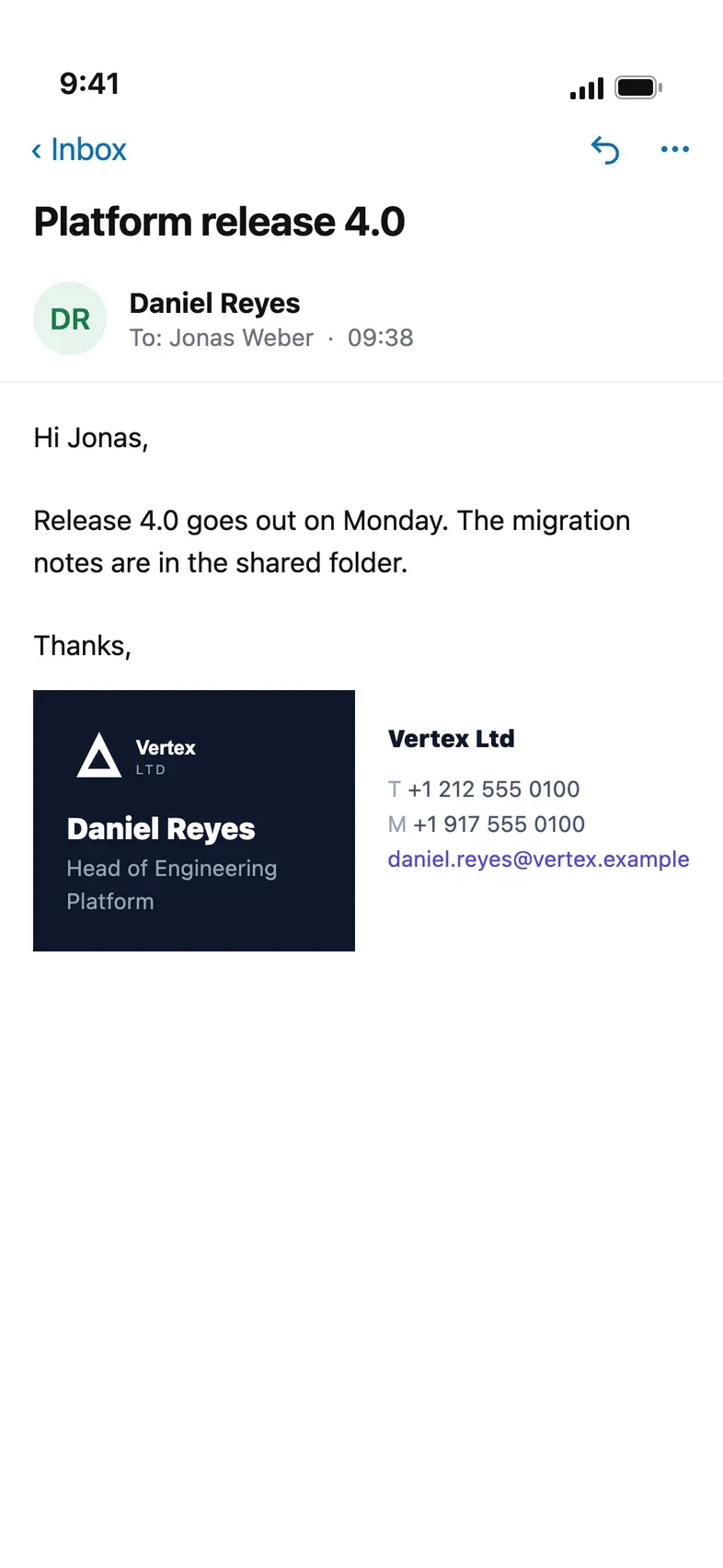
Every email your organisation sends is a document with your name on it. StampFlow makes sure it carries the right signature, on every client, and keeps a proof you can show anyone.
Signature management
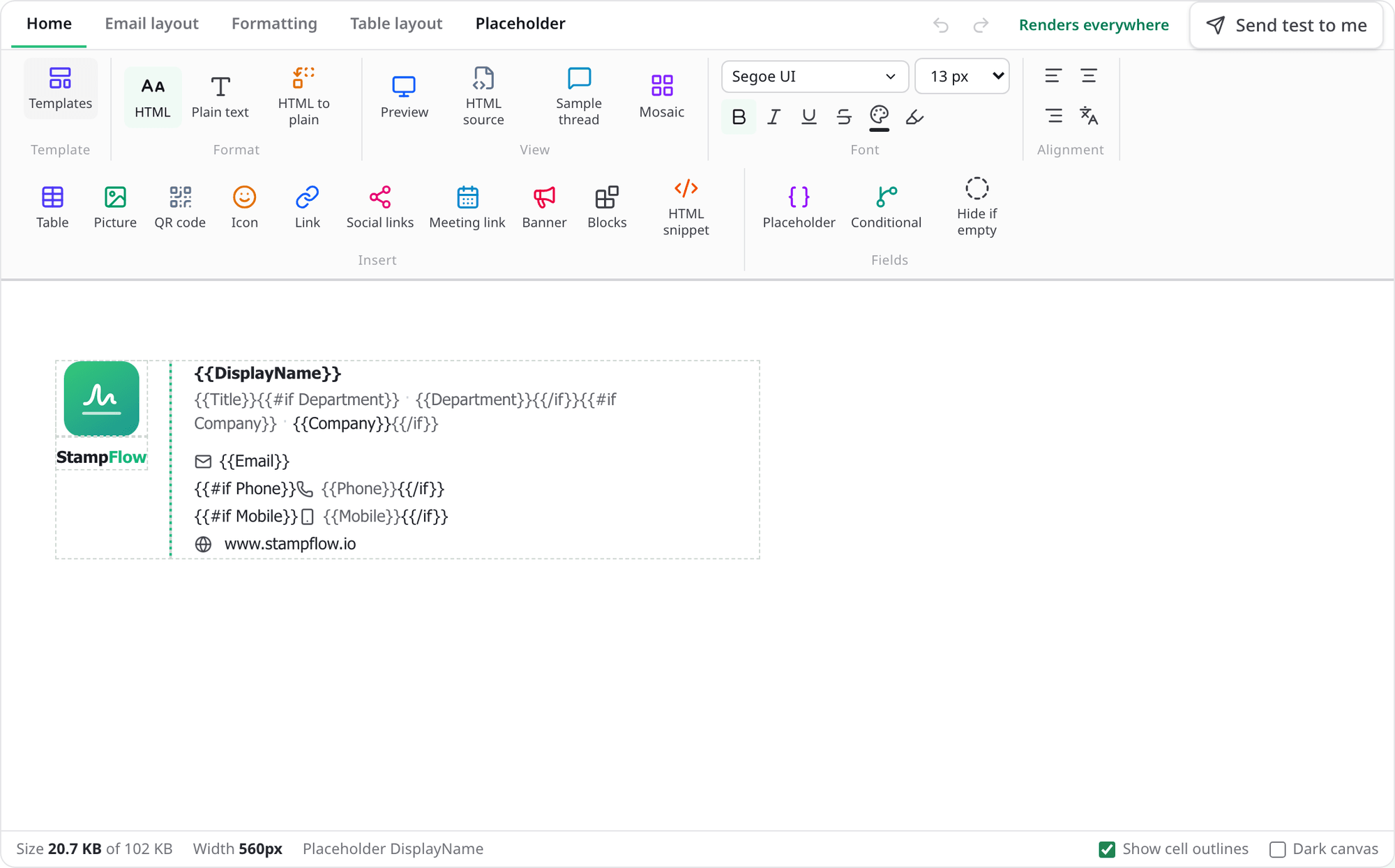
Design once, deploy by policy
A visual designer with directory placeholders, bilingual layouts and Outlook-safe rendering. Policies target groups, users and recipients; every mailbox in scope is covered within minutes.
Signature campaigns
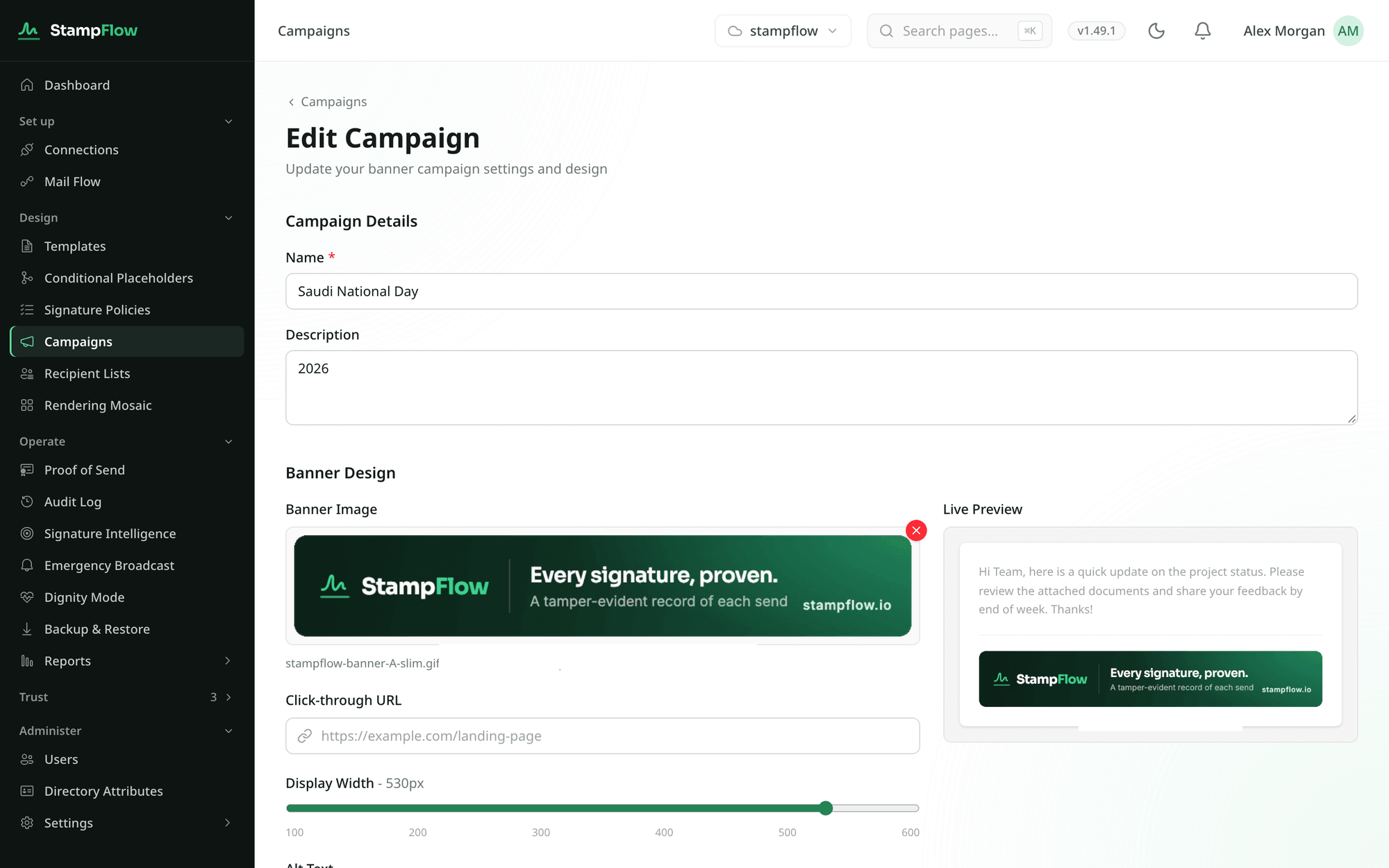
Targeted, scheduled, measured
A banner under the signature for an event or a launch. Choose who carries it and who sees it, set the dates, and read the clicks. Marketing runs it without touching IT.
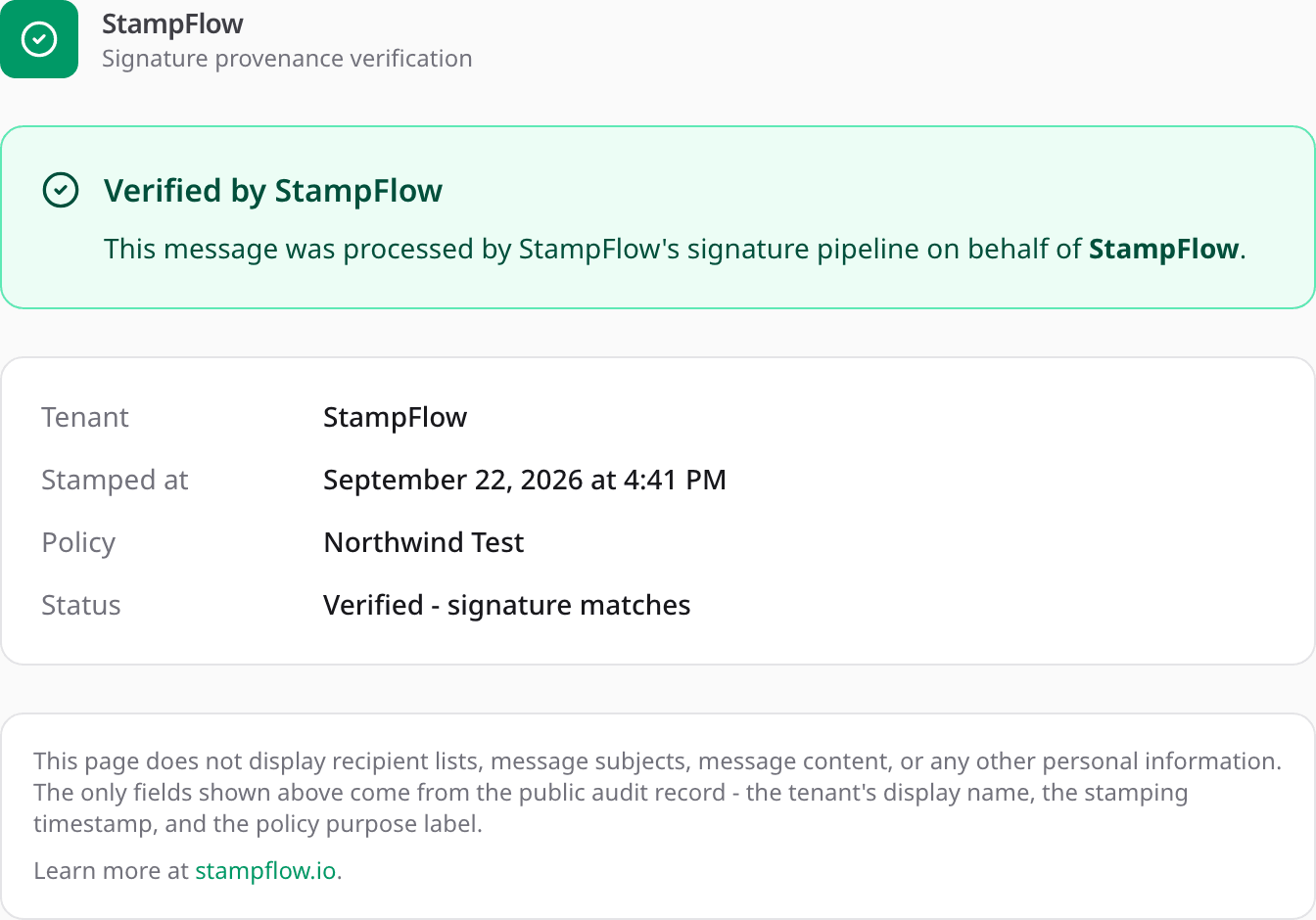
Proof of Send
Verifiable by anyone
Every signed email gets a tamper-evident record under a key only your tenant holds. Recipients and auditors verify with one link and see no content.
1
signature on every email, never two
3
signature modes: Cloud, Outlook, Hybrid
6
Outlook clients covered, desktop to mobile
0
email bodies stored, by design and enforced
Where the signature is applied is your choice.
Pick per connection, switch any time. Connectors stay in place; nothing to reinstall.
Applied in transit
Cloud mode
Mail routes through StampFlow's Exchange Online connectors. Signature, disclaimer and banners are applied before delivery, for every app and device.
Other apps
Signed in transit
Seen while writing
No
Second signature
Never
The same signature, wherever it is read.
Designed once in the editor and applied to every message. In Outlook for Windows, Mac, web, iOS and Android the add-in shows it while people write and switches it the moment the recipient changes; every other mail app is signed on the way out.
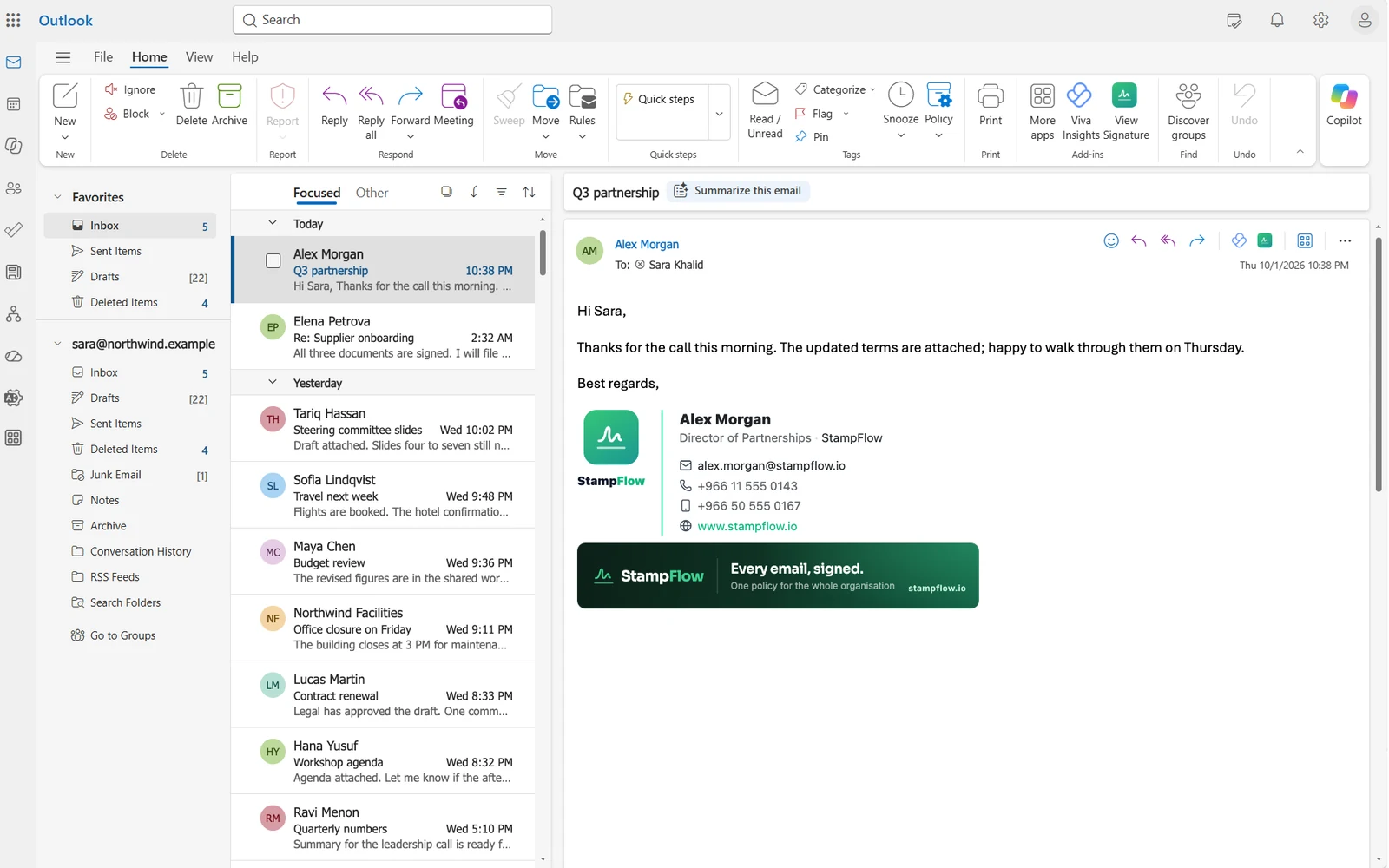
In Outlook, while writing
 Outlook for Windows, classic and newOutlook for MacOutlook on the webOutlook for iOS and Android
The add-in inserts and switches the signature as people type.
Any other app on the same mailbox, signed in transit
 Apple Mail on iPhone and iPadApple Mail on Mac
 Thunderbird
Cloud and Hybrid mode sign the message as it leaves Microsoft 365 or Exchange, whatever app sent it.
Mail platforms
 Microsoft 365 and Exchange Online
 Exchange Server on-premises
StampFlow works with Microsoft 365 and Exchange mailboxes only.
Inserts while composing
Recipient and From aware
Mobile included
One master switch
The most capable signature editor we know of, and the only one checked against Outlook’s real engine.
A Word-style ribbon: click anything and its tools appear, drag blocks and rows, drag a column border and watch the width, and see the whole email with its banner and disclaimer before anyone sends it. Bilingual layouts, photos from Microsoft 365, a library of 83 designs, approval before publishing, and Outlook-safe output measured on the Word engine rather than guessed. No HTML skills needed; full HTML when you want it.
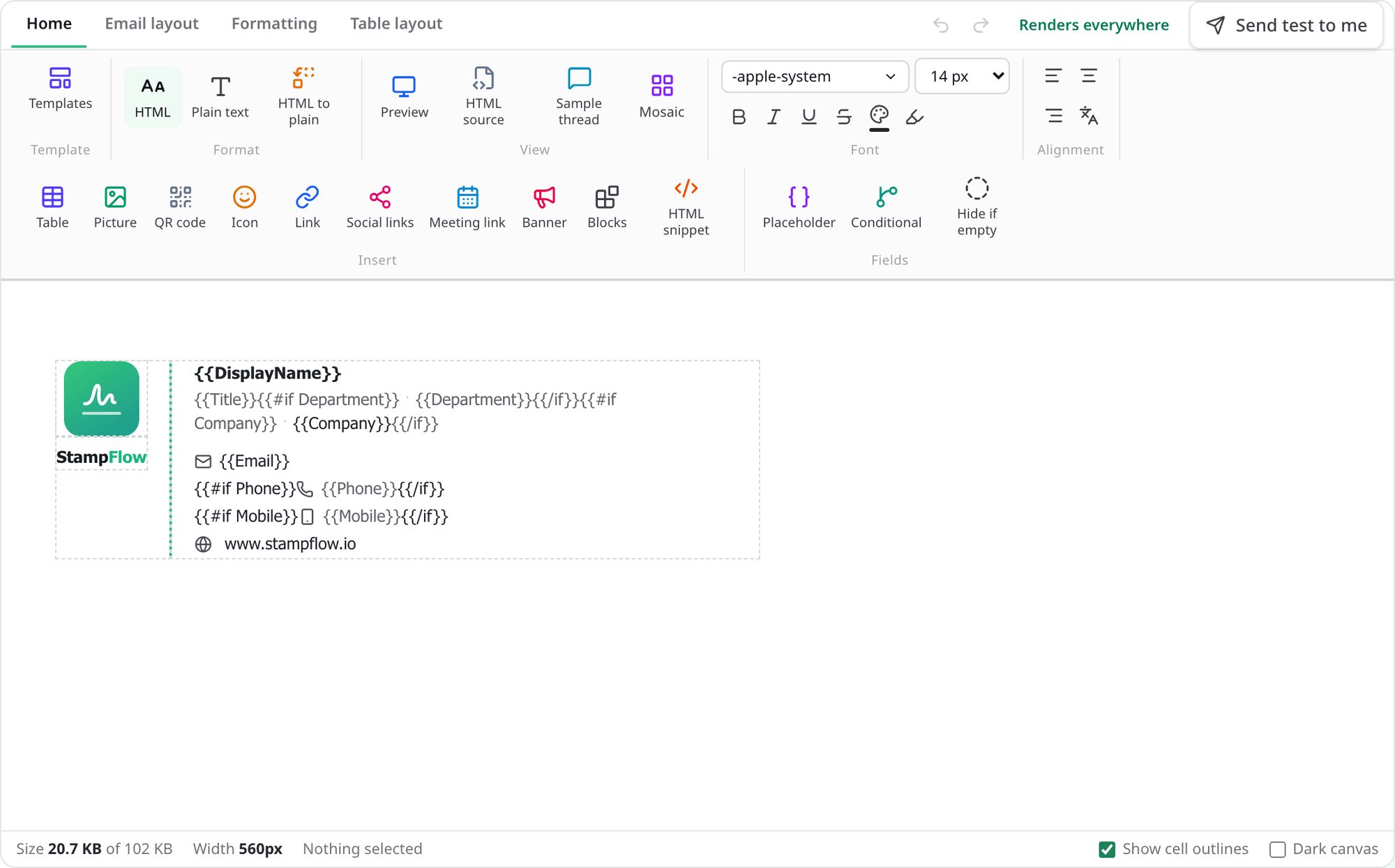
Drag column borders
Word-style, with a pixel readout
Email sections
Signature, banner and disclaimer in place
Outlook check
Verified on the Word engine itself
Everything in the product, each with its own page.
What it does, how it works, and what it never does.
Take it easy. Your mail never leaves your control.
StampFlow touches the most sensitive stream an organisation has. It is built so that neither we nor a stolen backup can read what you send, and so that nothing fails silently.
No email content stored
Per-tenant encryption
Self-host the whole platform
Fail open
Organisations that answer to auditors.
Government and public sector
Banks, insurers and regulated firms
Managed service providers
See it on your own tenant.
A 30-minute demo on a Microsoft 365 test tenant, or on yours. We reply within one business day.